
Two-Player Backgammon
Take turns with a friend on one device. Choose your names, set the match length and pass the screen when the turn changes.
Player 2
0 points
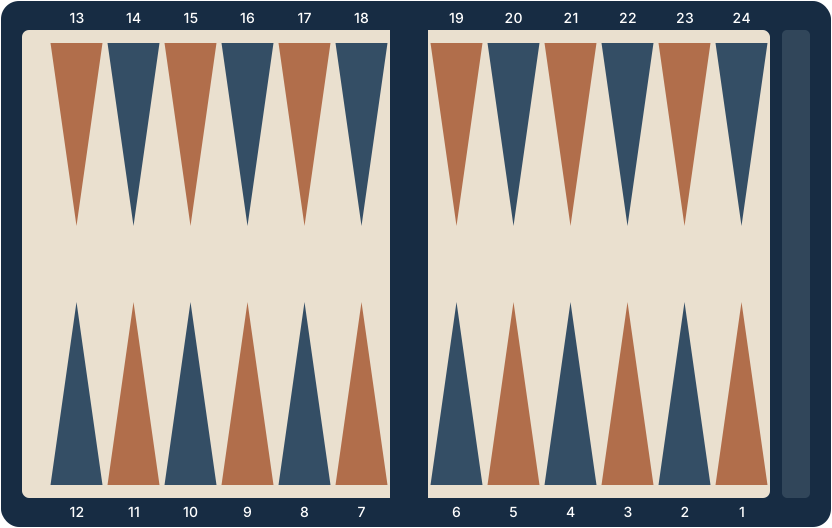
Player 1
0 points
Ready for the opening roll
Each player rolls one die. High roll starts.
Accessible move controls
Tab into the board, use the arrow keys to choose a point, press Enter to select it, then choose a legal destination. Escape clears the selection. You can also use these fields.
Board as text
Game settings
Saved games
Clear local games, settings and history from this browser. Active online rooms are unaffected.
Clear all saved data?
This removes the current local match, your settings and every saved game in this browser. It cannot be undone.
Match settings
Share the board
Ivory moves from point 24 toward point 1. Navy moves in the opposite direction. A turn banner names the active player; the board does not rotate between turns.
Backgammon for 2 players on one screen is free, needs no account and keeps both names and the match score in view. When you want to play from different places instead, create a private room for a friend.
Confirm before passing
Select a checker, choose a legal destination and use both dice when possible. Undo is available only for moves in the current, unconfirmed turn.
Play a match
Choose one, three or five points. In longer matches, the doubling cube can increase the game value. The Crawford rule temporarily disables the cube after a player first reaches one point from winning. The backgammon rules guide explains scoring in detail.